
Adobe Dreamweaver
Adobe Dreamweaver is Adobe's web development application for Windows and macOS that combines a code editor with visual design and live preview.

PSeInt is free, open-source educational software by Pablo Novara that helps beginners learn programming logic by writing and running pseudocode.
Average 0.0 · ratings: 0
Thank you! Your rating is saved; you can change it. Could not save the rating. Please try again later. Too many ratings from your network today. Please try again tomorrow. The average appears after 5 ratings.
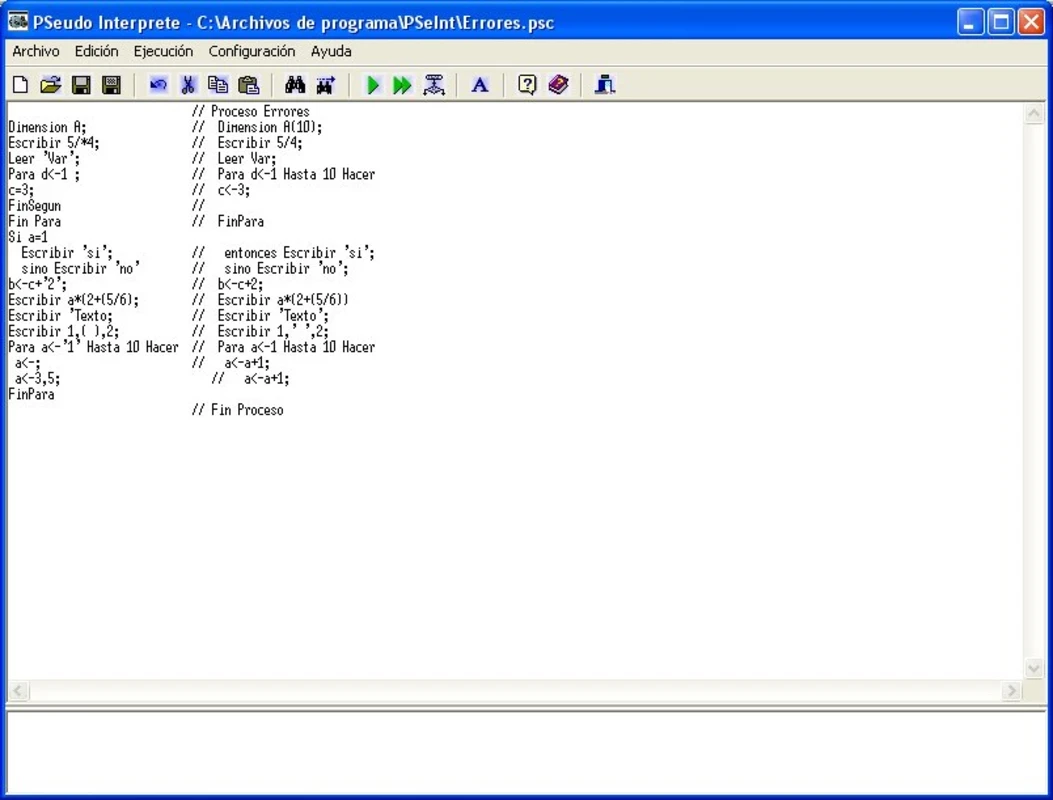
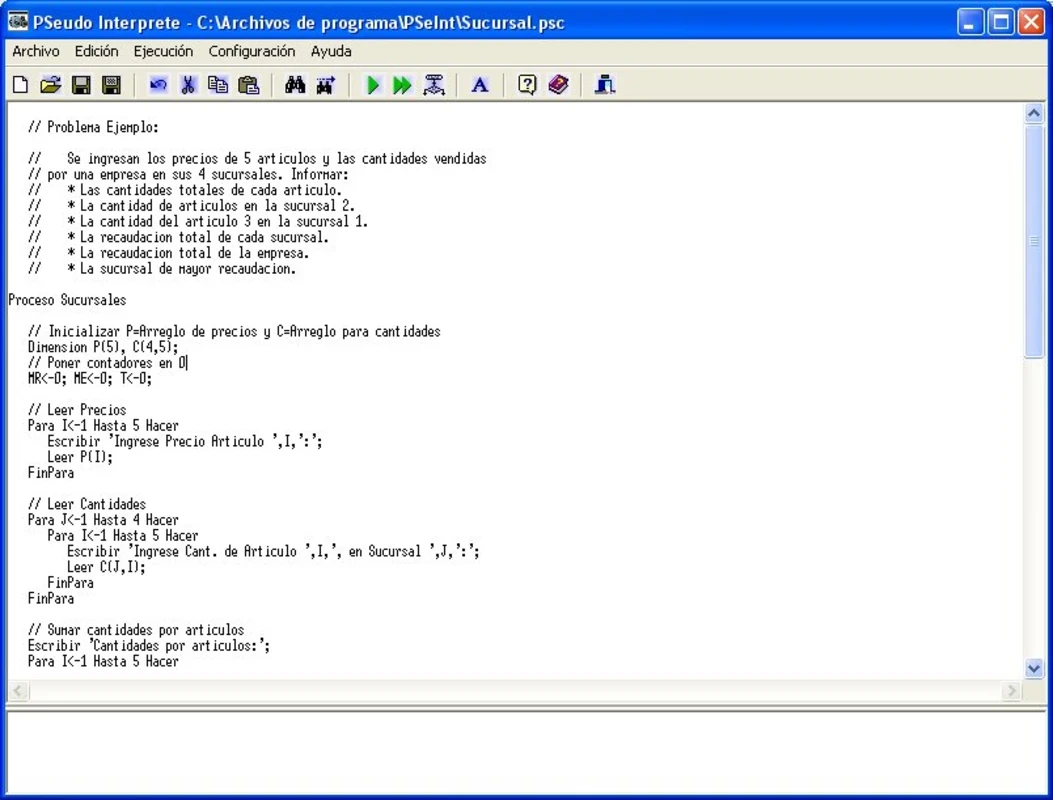
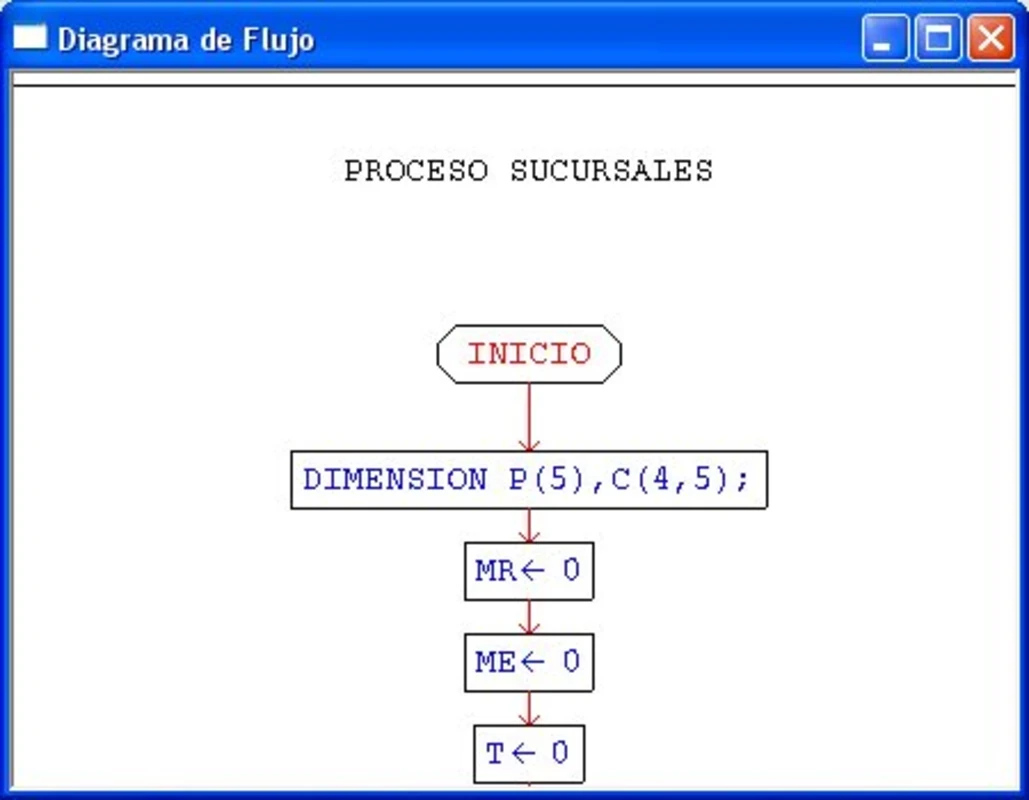
PSeInt 20250314 is free educational programming software for Windows by Pablo Novara. Students write algorithms in simple pseudocode, run them, follow them step by step and see them as flowcharts, before moving on to a real programming language. PSeInt is open source under the GNU General Public License, and you can download PSeInt for Windows from its SourceForge site.
PSeInt is aimed at people taking their first steps in programming, especially in schools and introductory university courses. Real languages demand a lot at once: syntax, compilers, error messages in technical English. PSeInt strips that away. You write instructions such as reading a value, checking a condition or repeating a loop in near-natural language, and the tool points out mistakes in plain words. The pseudocode is Spanish-based, which is why the program is widely used in Spanish-speaking countries; teachers elsewhere use it too when they want to focus on logic rather than a specific language. Teachers like that students can run an algorithm one line at a time and watch variables change, and that the same code can be shown as a flowchart. Once the logic is clear, PSeInt can export the algorithm to languages like C, C++, Java or Python, which makes the switch to real code less abrupt. Experienced programmers gain little from it; it is a learning tool by design.
| Item | Details |
|---|---|
| Version | 20250314 |
| Author | Pablo Novara |
| Platform | Windows |
| Licence | free, GNU General Public License |
| Size | about 9.70 MB according to catalogue data |
The source code is public in the PSeInt repository on SourceForge.
A classic starting task is to read two numbers, compare them and print the larger one. In PSeInt you write it in a handful of lines, run it, type test values and immediately see the output. Then you switch to the flowchart view and see the same decision as a diamond with two branches, which makes the idea of a condition concrete.
PSeInt is open-source software without ads. Download it from the official site or SourceForge rather than from repackaging portals, which sometimes add their own installers.
When you are ready for real code, our listings include Notepad++ as a simple editor, Arduino IDE for programming microcontrollers and Android Studio for Android apps.
Adobe Dreamweaver is Adobe's web development application for Windows and macOS that combines a code editor with visual design and live preview.

Notepad++ is a free, open-source text and source code editor for Windows by Don Ho, based on the Scintilla editing component.

XAMPP is a free, open-source web server solution stack from Apache Friends for running and testing websites on your own computer.

Arduino IDE is the free, open-source development environment for programming Arduino boards. Version 2.3.10 is the current Windows release.

Android Studio is Google's free integrated development environment for building Android apps. This page covers version 2026.1.4.8 Quail 4 Patch 1 for Windows.